.png)
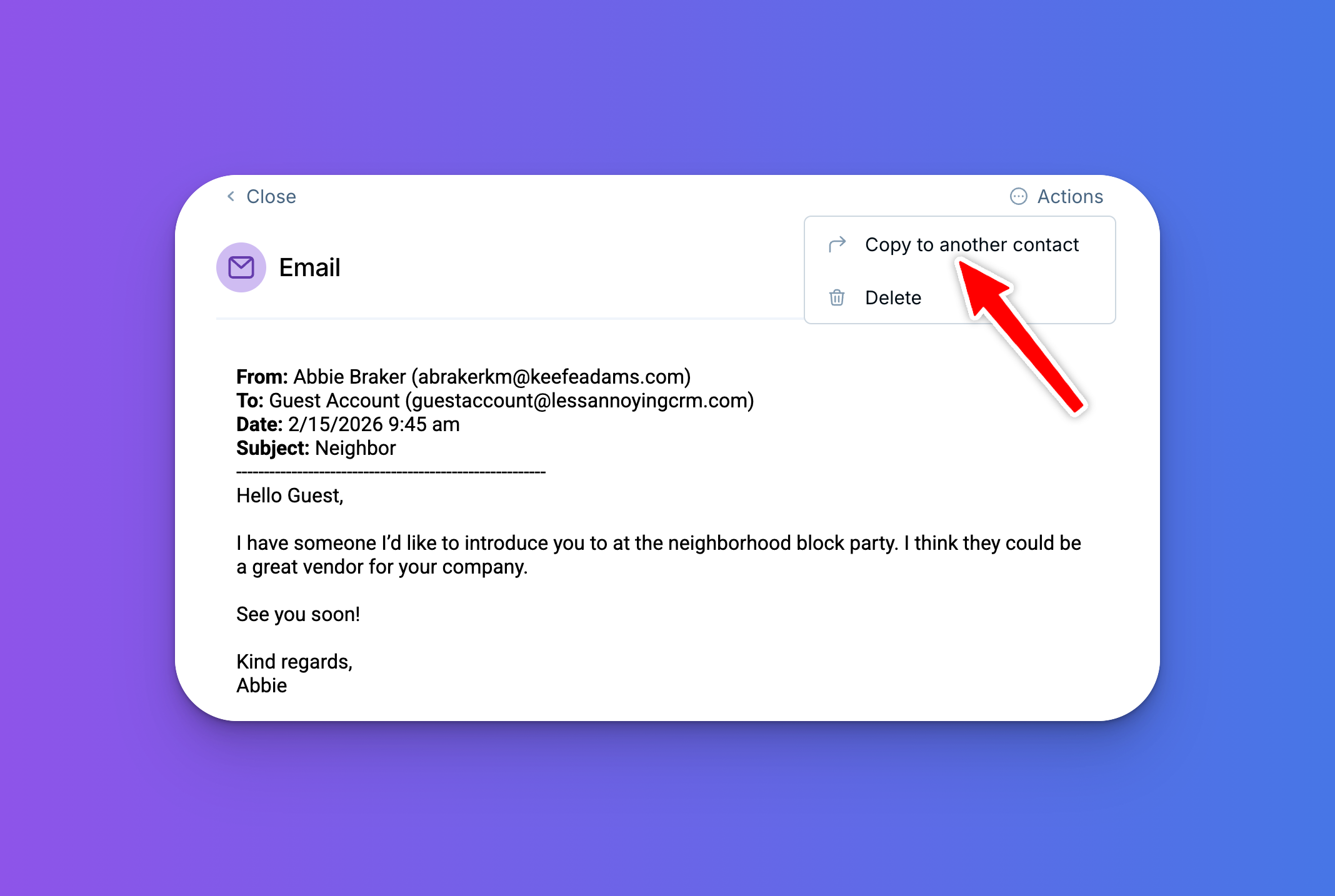
You can now copy a logged email to additional contact or company records in the CRM!
This is especially useful when an email is relevant to someone who wasn't on the thread. For example, say you're a designer emailing a contractor about a project — you'd want that email logged on the contractor's page, but probably also on your client's page. Now that's possible. The email will still automatically log on the original record, and you can copy it to as many additional records as you'd like.
To try this new feature, open a logged email, click the "Actions" button in the upper-right corner, and select "Copy to another contact." If you haven't set up automatic email logging yet, learn how here.
Any questions? Reach out at help@lessannoyingcrm.com!
Sign up to receive updates in your inbox