.png)
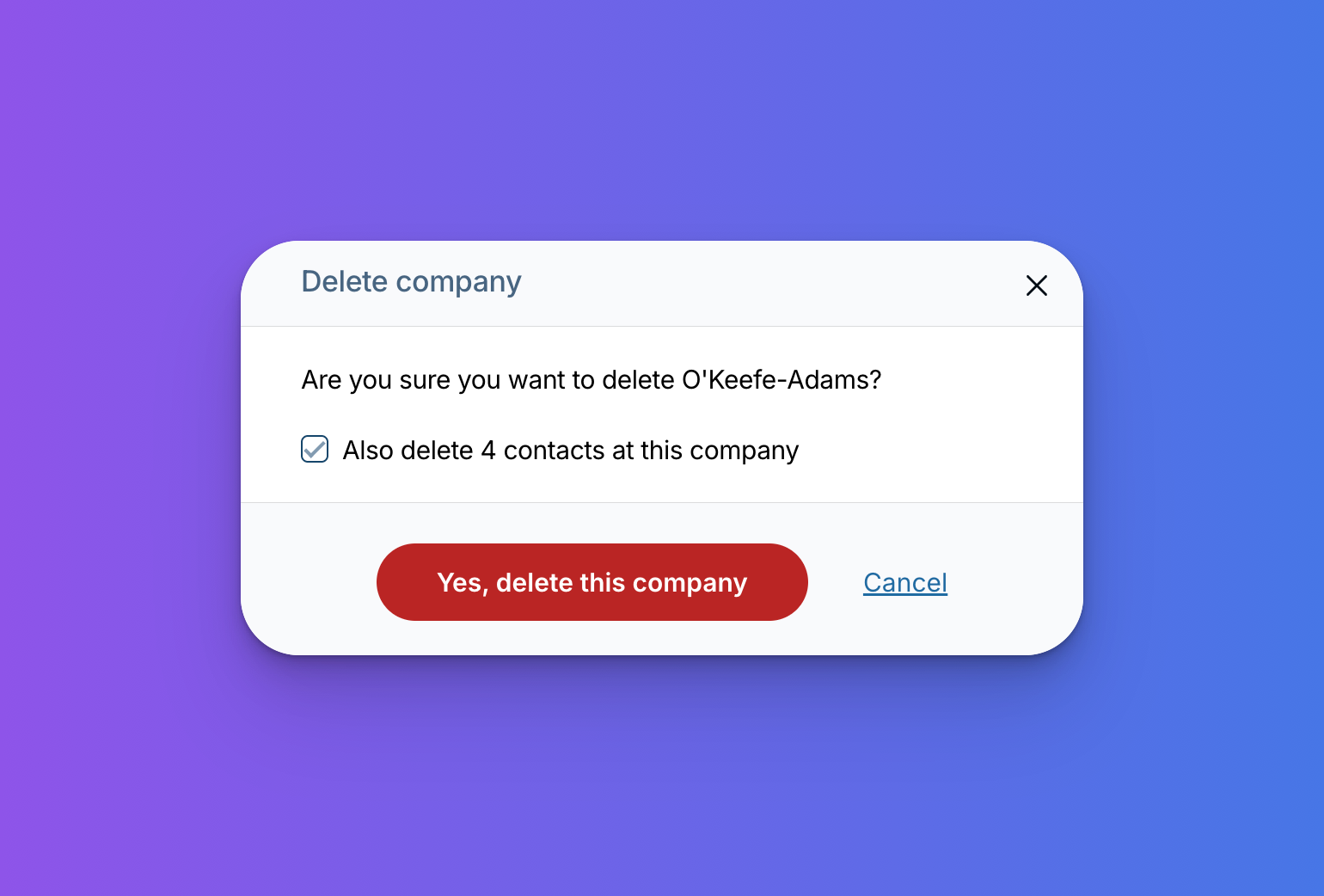
The next time you go to delete a company in the CRM, you’ll be automatically prompted to choose whether you’d like to delete the associated contacts as well. You’ll see this option on the company record itself.
Simply check the box if you’d like the associated contacts to be deleted in addition to the company.
This has been a big request from customers over the years. We hope this makes your CRM maintenance and cleanup easier!
Questions? Reach out to us via email!
Sign up to receive updates in your inbox