.png)
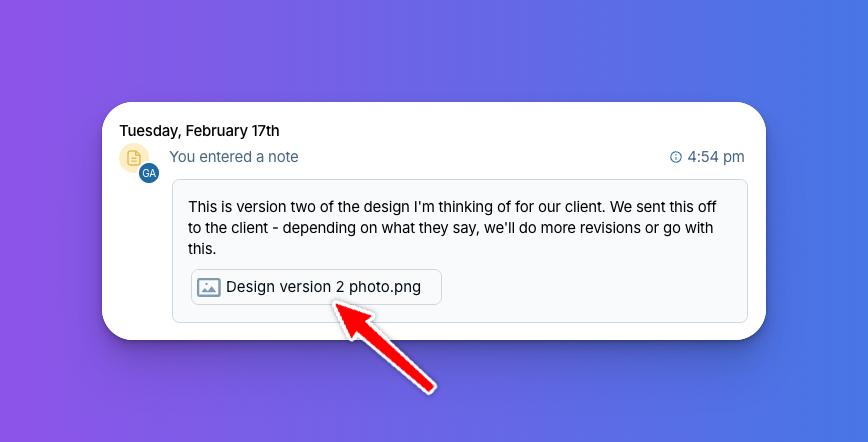
Have you ever wanted to attach a file directly to a note in the CRM? Maybe the note relates to an image or document, and you want those two pieces of information tied together. Now you can!
When writing a note, simply drag and drop a file into the note section, or click the little paperclip icon below your note to attach it. Or try another brand new feature - the option to paste files into the CRM.
We've heard this request a lot over the years — we hope it helps keep your files more organized in the CRM! Email us at help@lessannoyingcrm.com with any questions.
Sign up to receive updates in your inbox