Product Update: Paste Files into the CRM

You can now paste files into the CRM!
Updated on:
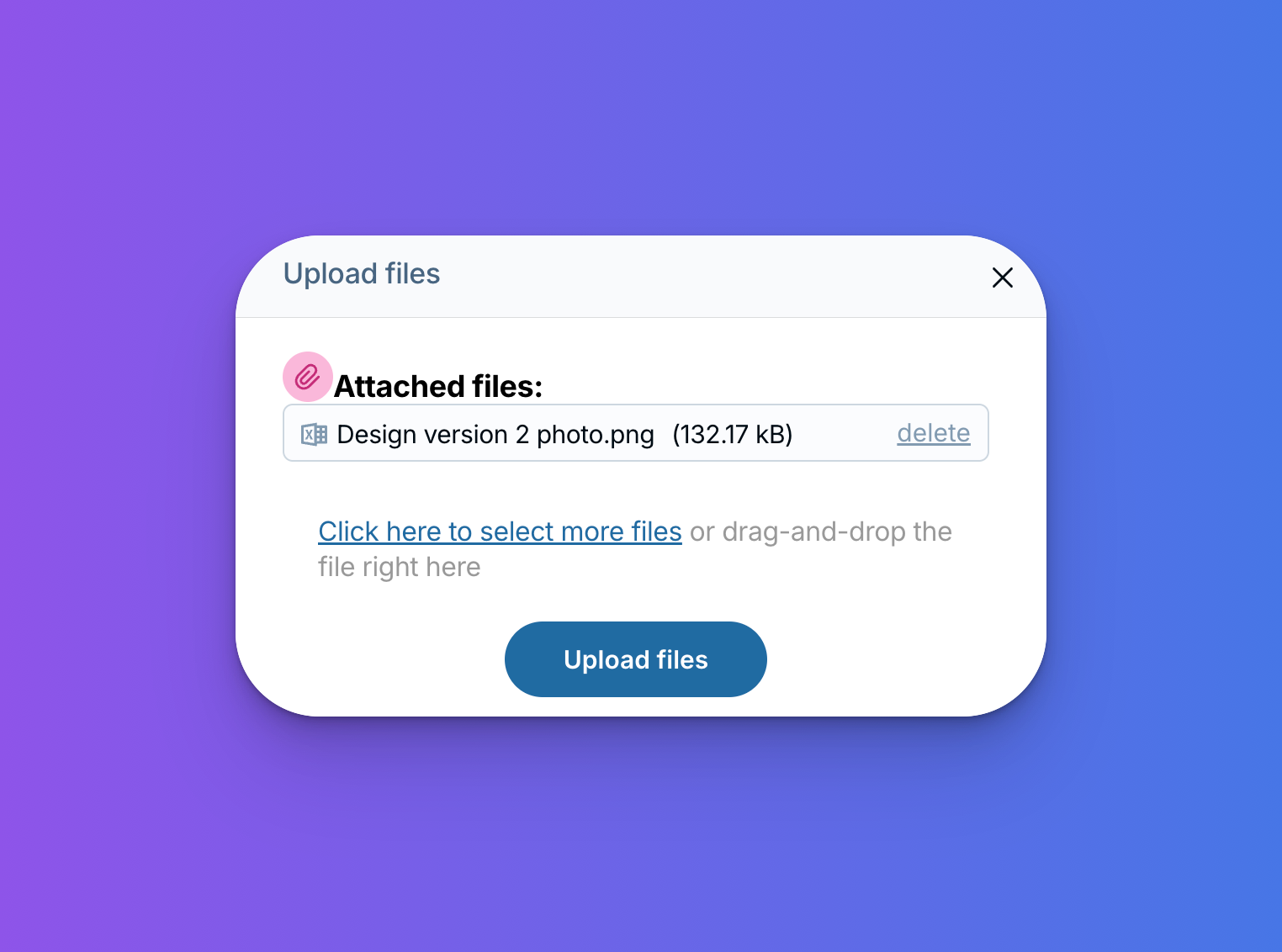
Example of a file that has been copy and pasted into the CRM

You can now paste files directly onto contact and company records! Simply use your standard paste shortcut (Cmd+V on Mac, Ctrl+V on Windows) to add files to any CRM record. No more hunting for an upload button.

We hope this makes adding files to your records a whole lot faster!


Sign up to receive updates in your inbox

We'll send you about two emails per month with tips on how to optimize your LACRM account, and grow your small business. Be the first to hear about product updates, and beta testing opportunities!