.png)
This is one of six new updates, all based on your requests. See them all here: Product Roundup: 6 New Features from Cupholder Week!
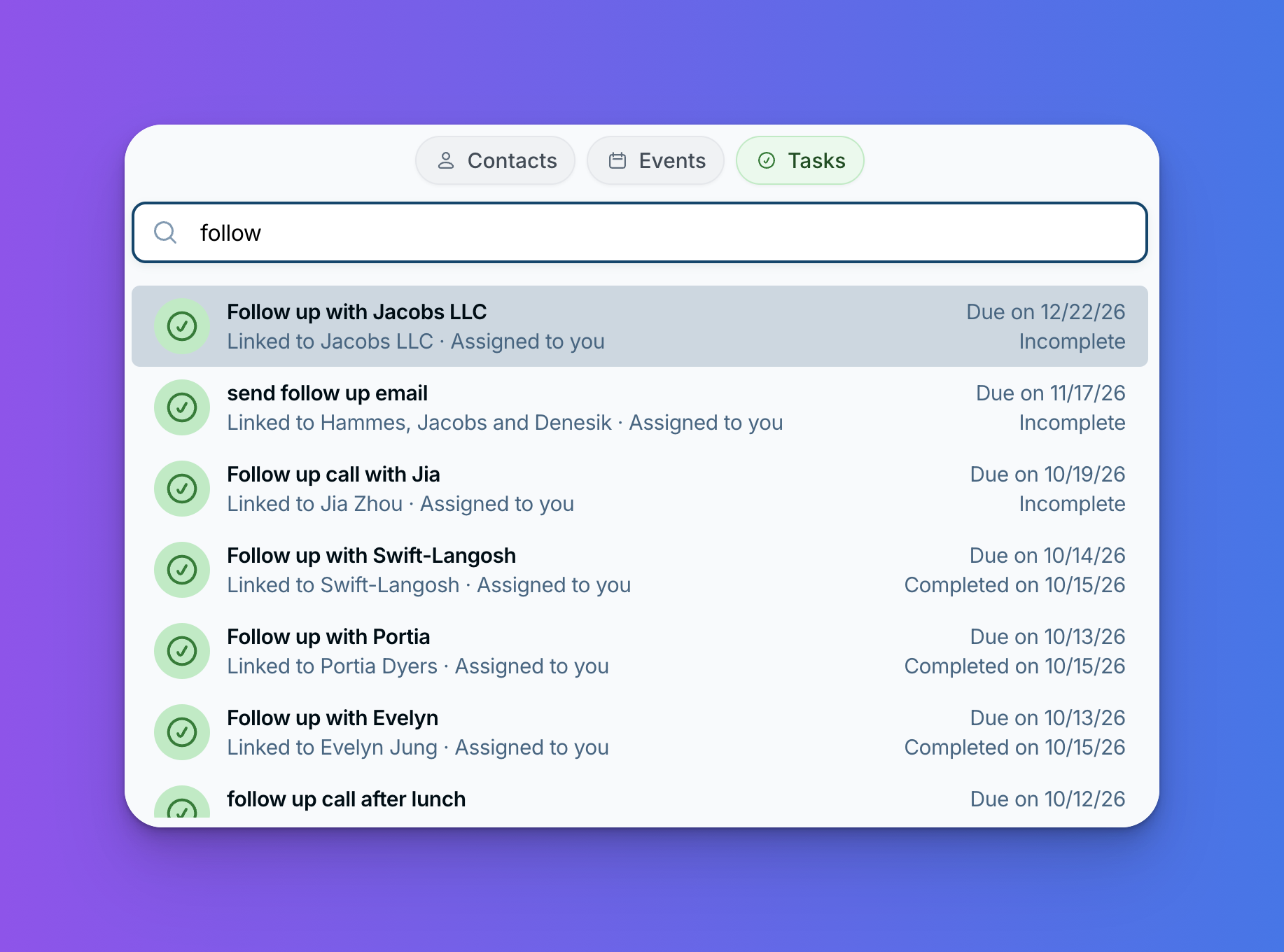
You know you set a reminder to send that proposal, but when was it due, and which contact was it on? Lots of you have asked for an easier way to find a task than scrolling through your task list. Now you can search your tasks to find exactly the one you're looking for.
What it does
The Search window now has a Tasks tab. Type a word or two, and you'll see every task with a matching name or description.
- Open and completed tasks: find what's still on your list, or look back at something you already checked off.
- The details you need at a glance: each result shows who the task is linked to, who it's assigned to, and when it's due (or when it was completed).
- Your team's tasks, too: you'll also see teammates' tasks that you have access to.
Why it's handy
- Track down a task: find that "send the proposal" task without digging through your whole list.
- Check what's been done: see when a task was completed.
- Stay on top of team work: find a task a teammate set up without asking them where it is.
How to use it
Click Search in the left sidebar (or use the keyboard shortcut: Opt+1 on a Mac or Alt+1 on Windows), choose the Tasks tab, and start typing.
Looking for a meeting instead? You can search your events too!
Thanks for asking!
You asked for task search, and we're so glad we could build it. If you have questions, or ideas for what we should build next, reach out at help@lessannoyingcrm.com and a real person will write back.
Sign up to receive updates in your inbox