.png)
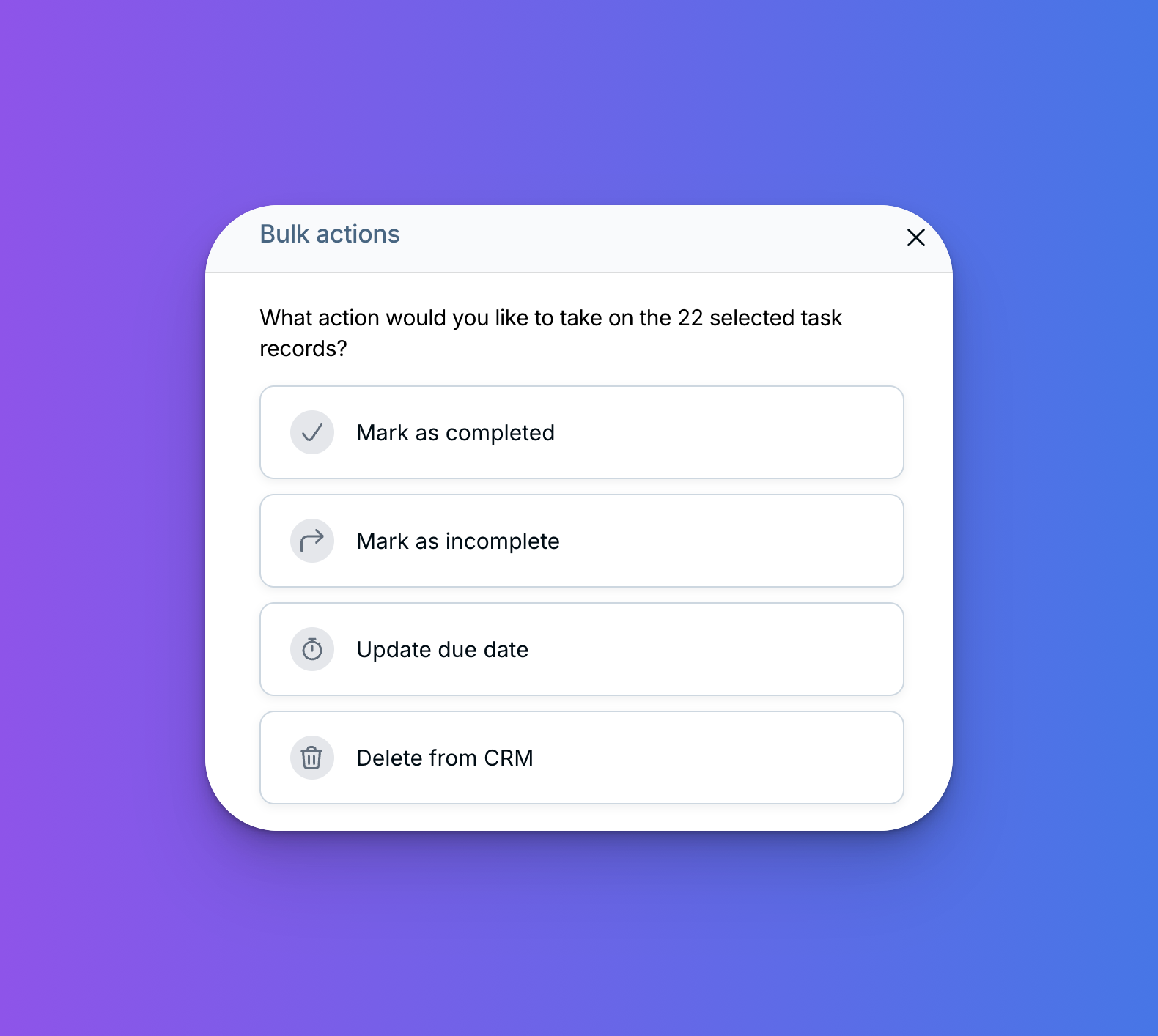
The task report now supports bulk editing tasks!
Do you ever find yourself with more tasks than you can get to in a day? Before now, rescheduling or tidying up multiple tasks in LACRM was a tedious, one-by-one process. Not anymore!
Here's what you can now do in bulk from your task report:
- Update due dates — Come down with the flu and need to push tasks back? It now takes just a couple of clicks to reschedule them all.
- Mark tasks complete (or incomplete) — Had an especially productive day? Easily check off multiple tasks at once, or unmark them if needed.
- Delete tasks — Found yourself with a pile of tasks that are no longer relevant? Clean up your list in seconds.
You can learn how to bulk edit tasks here. One heads up: these actions are difficult or impossible to undo, so please click carefully!
We hope bulk edits for tasks save you a ton of time on CRM upkeep! Questions? Reach out at help@lessannoyingcrm.com.
Sign up to receive updates in your inbox