.png)
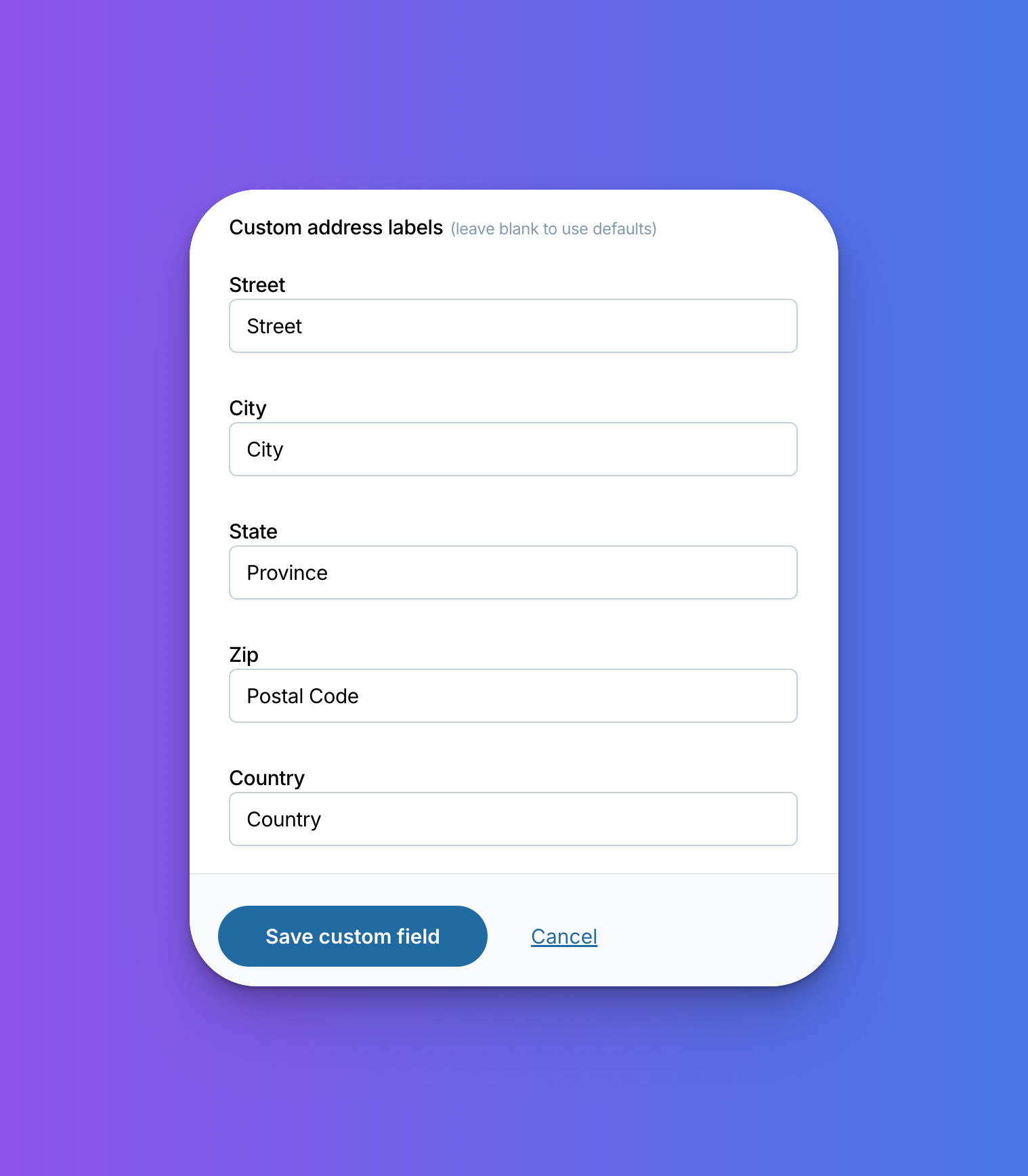
You can now choose your own wording for different address fields!
For our non-US customers, this has been a highly requested improvement. You no longer have to use US-centric default labels — now you can edit them to accurately reflect addresses in your part of the world. For example, change "State" to "Province" or “Zip” to “Postal Code.”
To set this up, head to the custom field settings page and choose either contact or company (either will update the address labels for both record types). Hover over the address field and click "Edit," then look for the custom address labels option. Simply type in whatever wording works best for your location. If you want to learn more ways you can personalize your CRM, check out this help article.
We hope this makes you feel a little more at home in the CRM, no matter where in the world you are. Reach out to help@lessannoyingcrm.com with any questions!
Sign up to receive updates in your inbox