.png)
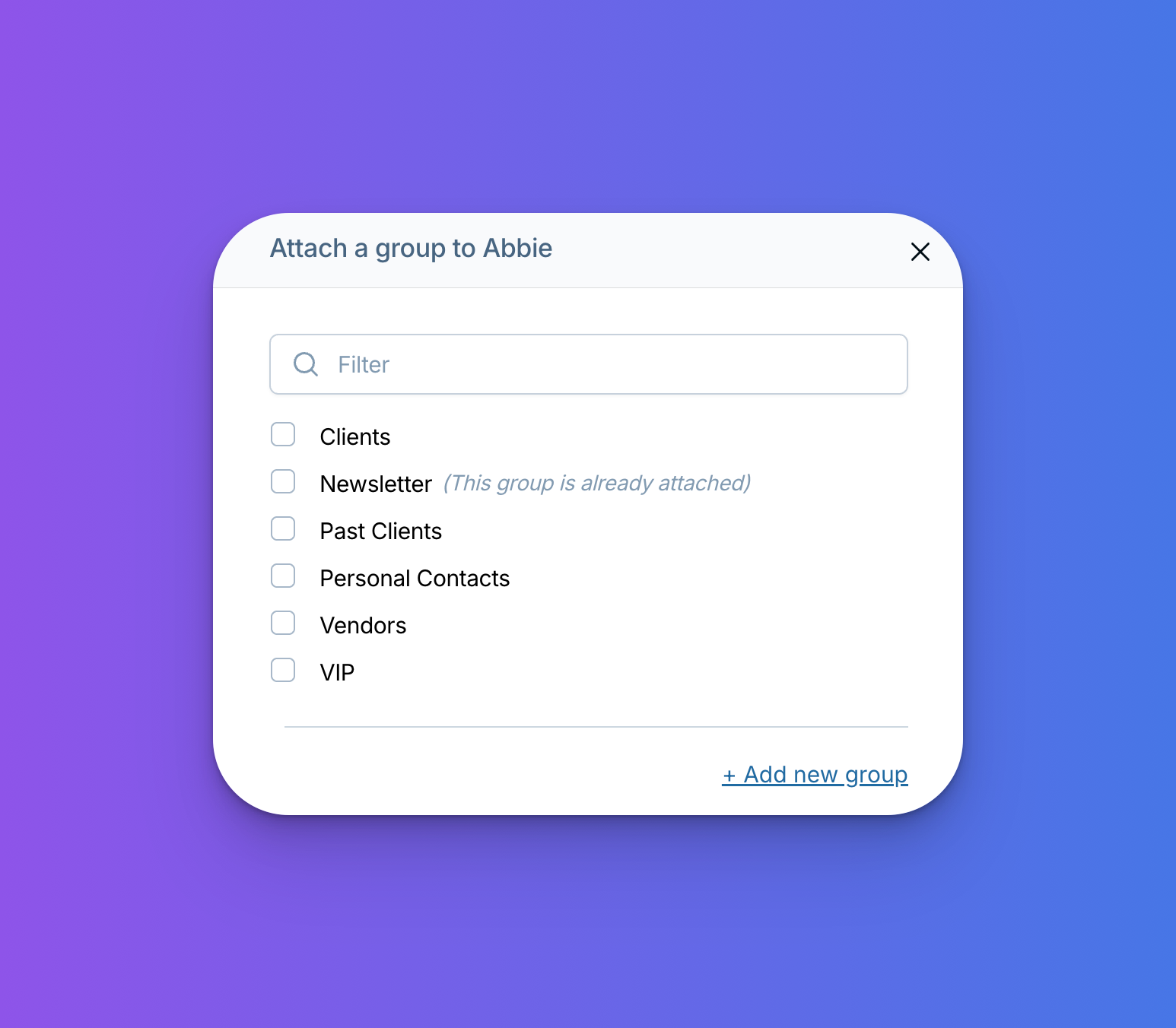
Groups in the CRM now have a search bar!
If you rely on groups to keep your CRM organized, you no longer have to scroll through a long list to find the right one — just type the group name and you're there.
The search is available anywhere groups appear in the CRM: on the contact record when adding a group, on the group settings page, and when hovering over the contacts button to browse groups.
Have questions? Get in touch at help@lessannoyingcrm.com.
Sign up to receive updates in your inbox