.png)
This is one of six new updates, all based on your requests. See them all here: Product Roundup: 6 New Features from Cupholder Week!
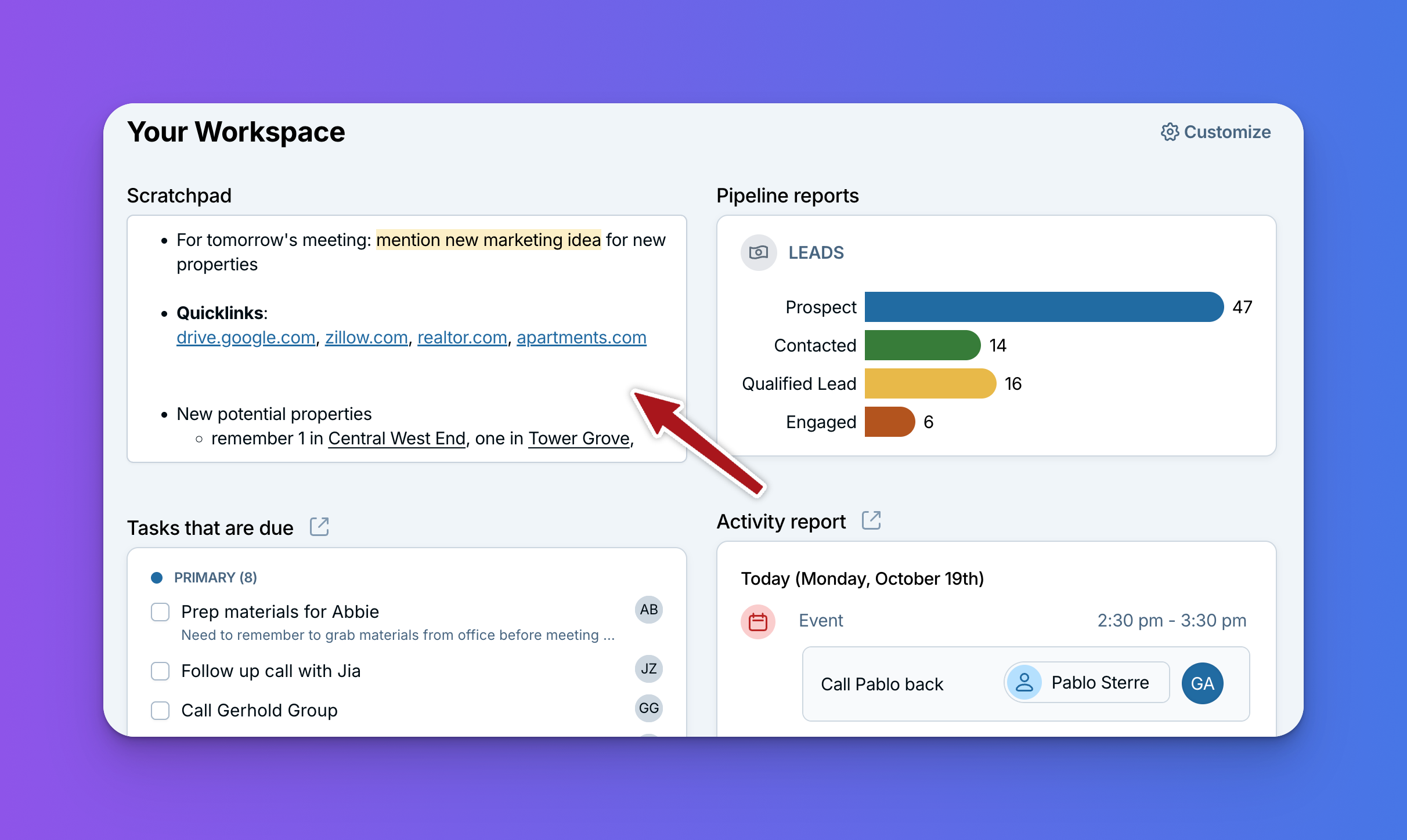
Until now, every note in the CRM lived on a contact or company. But a lot of you have asked for a place to write down things that aren't about anyone in particular: a brainstorm, a quick brain dump, or an idea you don't want to forget. We heard you, and now you have one: the Scratchpad widget!
What it does
The Scratchpad is a widget you can add to your Workspace. It's a free-form space to type whatever's on your mind, without attaching it to a contact, company, or pipeline.
You can also add more than one. That means you can keep one Scratchpad for meeting prep, another for ideas you want to bring up at your next team meeting, and another for brainstorming a new project or campaign.
Everything you type saves automatically, so there's no need to hit a save button. You can also give each Scratchpad its own name and use simple formatting like bold text and bullet lists.
Why it's handy
- A home for notes that aren't about one contact: Brainstorms, big-picture ideas, and other free-form thoughts now have a place in your CRM.
- Room for a brain dump: Get everything out of your head and onto the page, then sort out where it belongs later.
- Stay organized: Use separate Scratchpads to keep different kinds of notes apart.
- Right where you work: It lives on your Workspace, so it's there every time you log in.
How to add one
On your Workspace, click Customize in the top right corner. Click Add widget, choose Scratchpad, give it a name if you'd like, and click Save. Repeat as many times as you'd like to add more. For more on adding and rearranging widgets, see Customizing the Workspace.
Happy brainstorming!
This one came straight from your requests, so thank you for asking! We'd love to hear how you end up using your Scratchpads, whether it's planning a new project or just clearing your head. Send us a note at help@lessannoyingcrm.com.
Sign up to receive updates in your inbox